
Build your first site or store
From a blank template or straight from your Instagram — get your first project built.
Last updated 18 June 2026
There are two ways to start: pick a template and build it yourself, or let the Importer build it for you from something you already have.
Start from a template
- 1On your Dashboard, click Create new.
- 2Choose what you're building — Studio for a website, or Online store for ecommerce.
- 3Pick a template you like (you can recolour and restyle it later).
- 4Give it a name and start editing — change the text, swap images, set your colours.
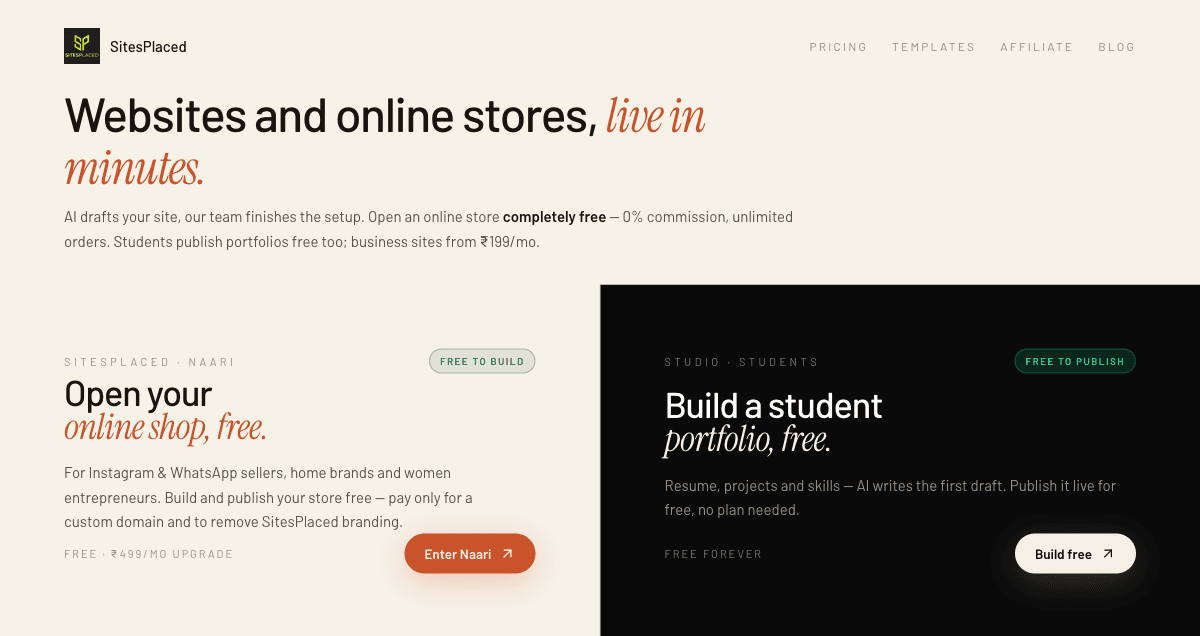
Building a store?
The store flow is covered step-by-step in open your free online store, and then add your products.
Or let the Importer do it for you
Short on time? The Importer builds a ready-made site or store from what you already have — template, colours, copy and products filled in automatically. You can edit everything afterwards.
- Instagram profile — pulls your bio, photos and products from your IG page.
- A website — recreates the look and content of an existing site.
- A PDF — turns a catalogue or menu into a store.
The Importer is the fastest way to go from "I sell on Instagram" to a real storefront. Open it at sitesplaced.com/import.
When it looks good, you're ready to publish and share.
Related articles
Didn't find what you needed?